The MailPoet add-on needs to be installed and activated to see the features mentioned in this this documentation.
This add-on requires the free MailPoet plugin available through WordPress.org to be installed and activated.
Add a MailPoet action to your form
To add the action to any form, from the Emails & Actions tab click Add New Action and then the MailPoet Signup action from inside the Actions Window that opens.

Select your list. If you don’t see your list you can click the refresh icon.
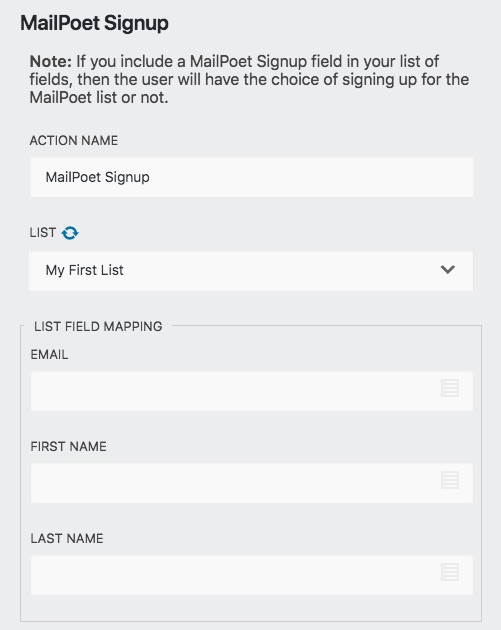
As soon as you select your list you should see the List Field Mapping fields appear. Now you can click on the icon on the right side of each of those fields and select the merge tag for the appropriate fields.

MailPoet Signup Field
To give the user the option to be added to your MailPoet list, you can add a MailPoet Signup Field. To do this, go to the Form Fields tab and in the bottom right click on the Blue and White plus (+) button, then add a MailPoet Signup Field to your form.
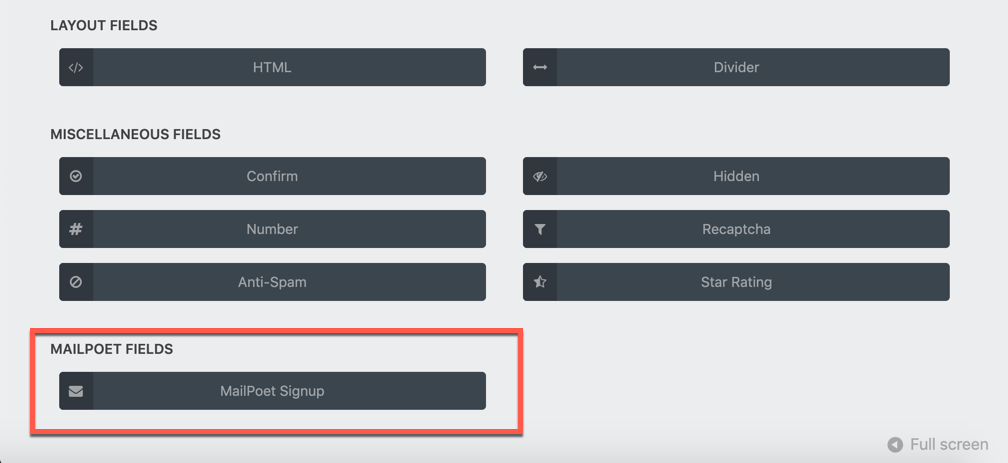
If someone checks the checkbox in the MailPoet Signup Field, they will be added to your newsletter. If they do not check the box, they will not be added.
Test your Form
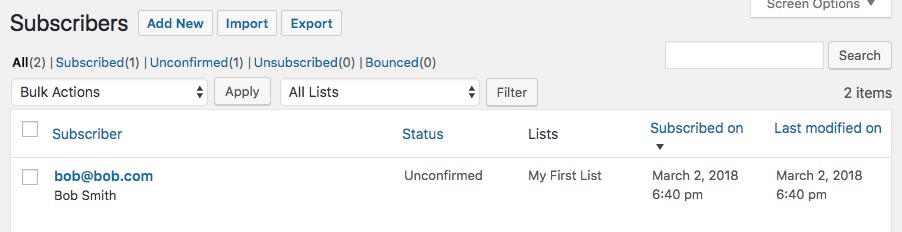
You can now test your form. After you test it, you can go to the MailPoet plugin in your WordPress dashboard and see the subscriber added to your list.